Solution / Packshot generation
From five iPhone photos to consistent product packshots
You do not need a complete studio to capture a product. Five clear reference photos provide the input for centered packshots with fixed angles, lighting and backgrounds.
Short answer
Take five clear photos around the product with an iPhone. 360Models uses them as references, creates a controllable visual product source and produces consistent packshots. Approved output stays connected to the product and can be reused for variants and sales channels.
Real example / input to output
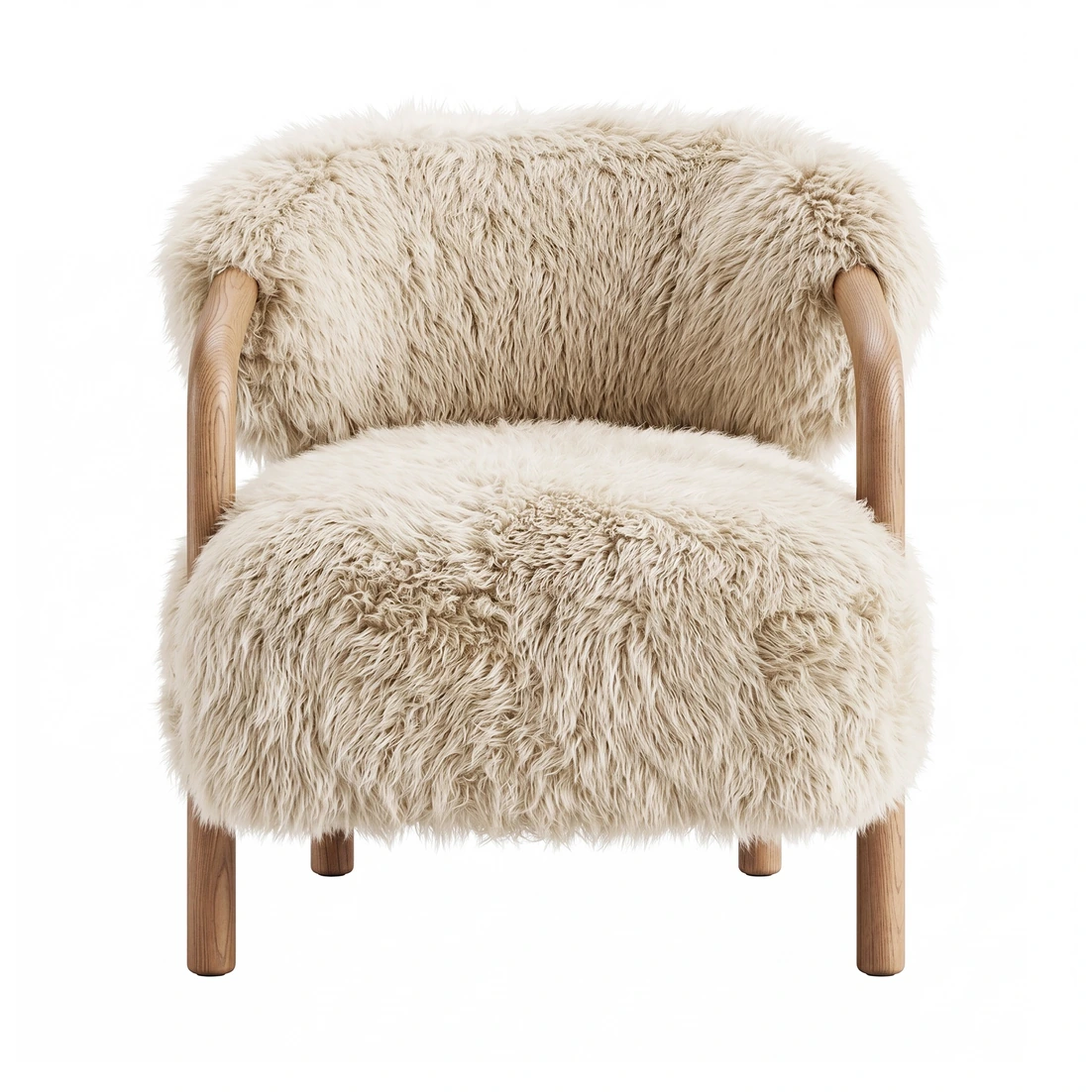
Five simple product photos. One consistent packshot set.
Each raw photo stays paired with the same view in the final output. Shape, material and details can be checked directly.

Capabilities
How 360Models puts 3D to work
Simple photo input
Provide five sharp iPhone photos around the product using a short capture guide.
Controlled product view
Review shape, proportions, details, materials and color before publication.
Fixed packshot standard
Repeat camera angle, scale, background, shadow, lighting and crop for every product.
Variants and formats
Create consistent color and material variants and export for each shop, marketplace or dealer portal.
Approach
From source data to daily use
Photograph five sides
Take five sharp iPhone photos with overlap, calm lighting and the full product visible.
Upload to the product
Connect the five reference photos to the correct product record, material and variant.
Create and review
Produce the same centered packshot series and review shape, color, detail and brand style.
Approve and publish
Store the approved set and export the required angles and formats to each sales channel.
FAQ
Frequently asked questions
Provide five iPhone photos and create consistent product packshots with fixed angles, lighting, cropping and backgrounds.
This is useful when new products wait for studio time, a photographer or an available sample. It also helps when packshot angles, scale, lighting and cropping differ between collections.
A typical workflow covers photograph five sides, upload to the product, create and review, approve and publish. The exact scope depends on the source data, users and required output.
Five sharp overlapping photos are a good starting point for many products. Reflective, transparent or highly complex products may require extra photos or source data.
Photograph the complete product from around it, use calm lighting and keep important details sharp and unobstructed.
Yes. Background, shadow, crop, aspect ratio and free space can be defined for each publishing channel.
Yes. Approved colors and materials can be applied to the same product shape for a consistent variant series.
Shape, proportions, materials, colors and details are reviewed before a set is stored as approved product output.
Input, product source, variants and approved packshots stay together in 360Models and can connect to PIM, DAM, webshop or API.
Where could 3D help your team today?
Start with the problem you want to solve. Data and business logic can remain in existing software; 360Models adds only the capture, management and visual 3D application you need.