Faster visual inspections
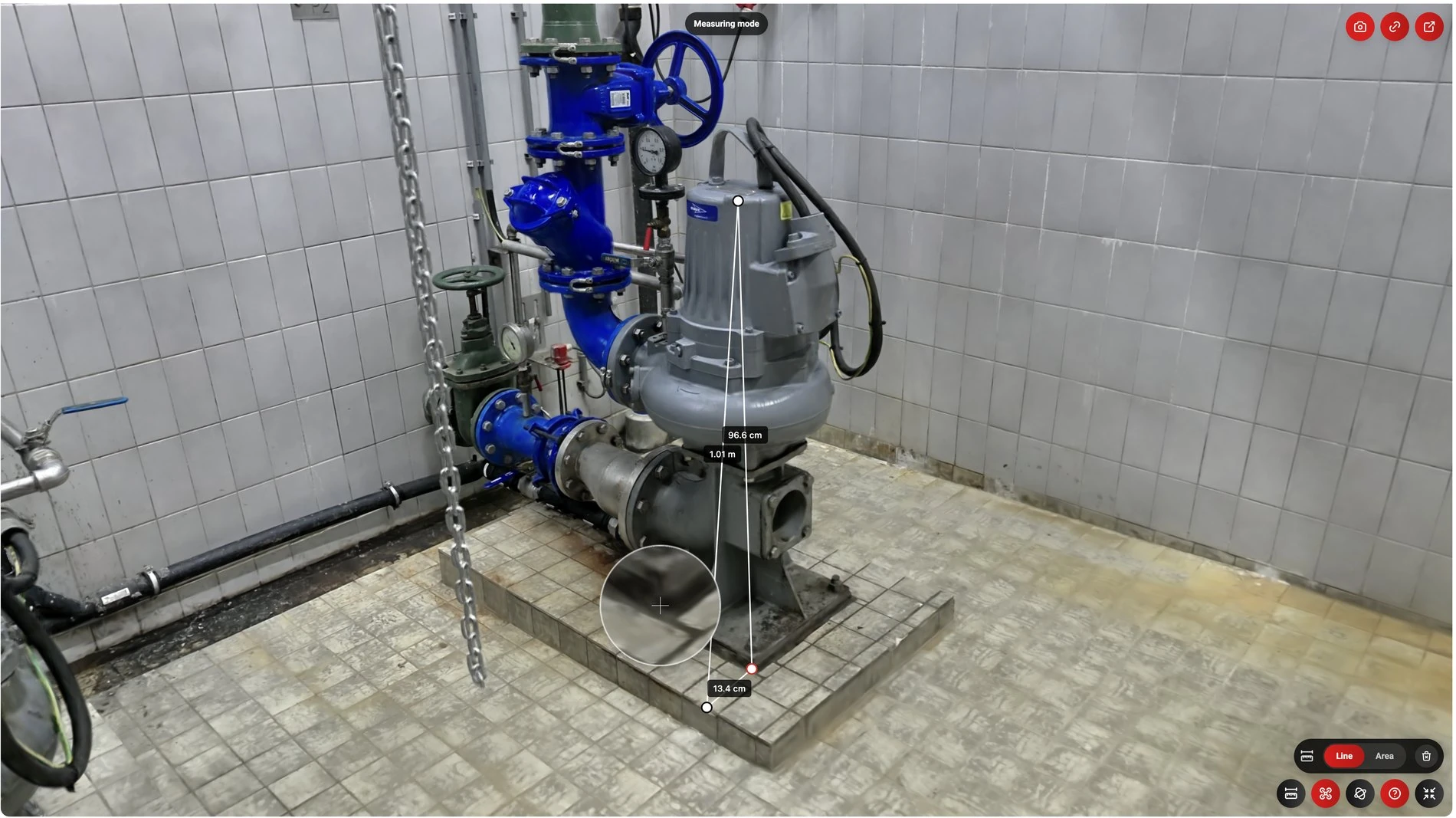
Review the capture remotely, zoom in on components and annotate findings. Identify what still needs to be checked on site.
360Models for installation & maintenance
360Models makes it simple and affordable to capture technical rooms and installations in photorealistic, measurable 3D. Prepare service, replacement and maintenance work remotely. Fewer journeys, fewer mistakes and more achieved with the people and expertise available.
01 Fewer journeys and repeat visits
02 Fewer mistakes and less rework
03 Faster inspections and reporting
Prepare the next visit
An employee captures the site in just a few minutes during a visit. Once processed, technicians, planners, suppliers and clients can view, measure and visually inspect remotely. Agree which parts, expertise and work are needed. Not everyone needs to visit in person.
Review the capture remotely, zoom in on components and annotate findings. Identify what still needs to be checked on site.
Check dimensions, access and pipe routes before leaving. Bring the right materials and people, and reduce extra journeys to collect missing information.
Discuss the same captured situation and link agreements to the relevant component. This helps reduce incorrect assumptions, misunderstandings and duplicated work.
Reporting & handover
Use findings, photos and work records from the installation record in your service and maintenance reports. We can automate recurring tasks to reduce retyping. Your team reviews the draft report.
Findings, photos and measurements at the right component.
Completed work remains easy to find, with explanations and photos alongside the relevant component.
Points to address and agreements for follow-up work or the next maintenance visit.
The installation record
Keep modifications, checks and maintenance together. Start the next visit with the installation’s work history at hand.
Record the layout, connections and access. A reference for the planner and the technician visiting for the first time.
Keep a record of replacements and modifications, with photos and notes at each component. Capture pipe routes and connections before they are concealed.
Add checks, maintenance and findings. The next technician can see what has been done and what still needs attention.
Keep handover information, manuals and work history together. Useful for the asset manager, the next colleague and any insurance questions.
Working on a refurbishment or renovation?
Explore Construction & renovation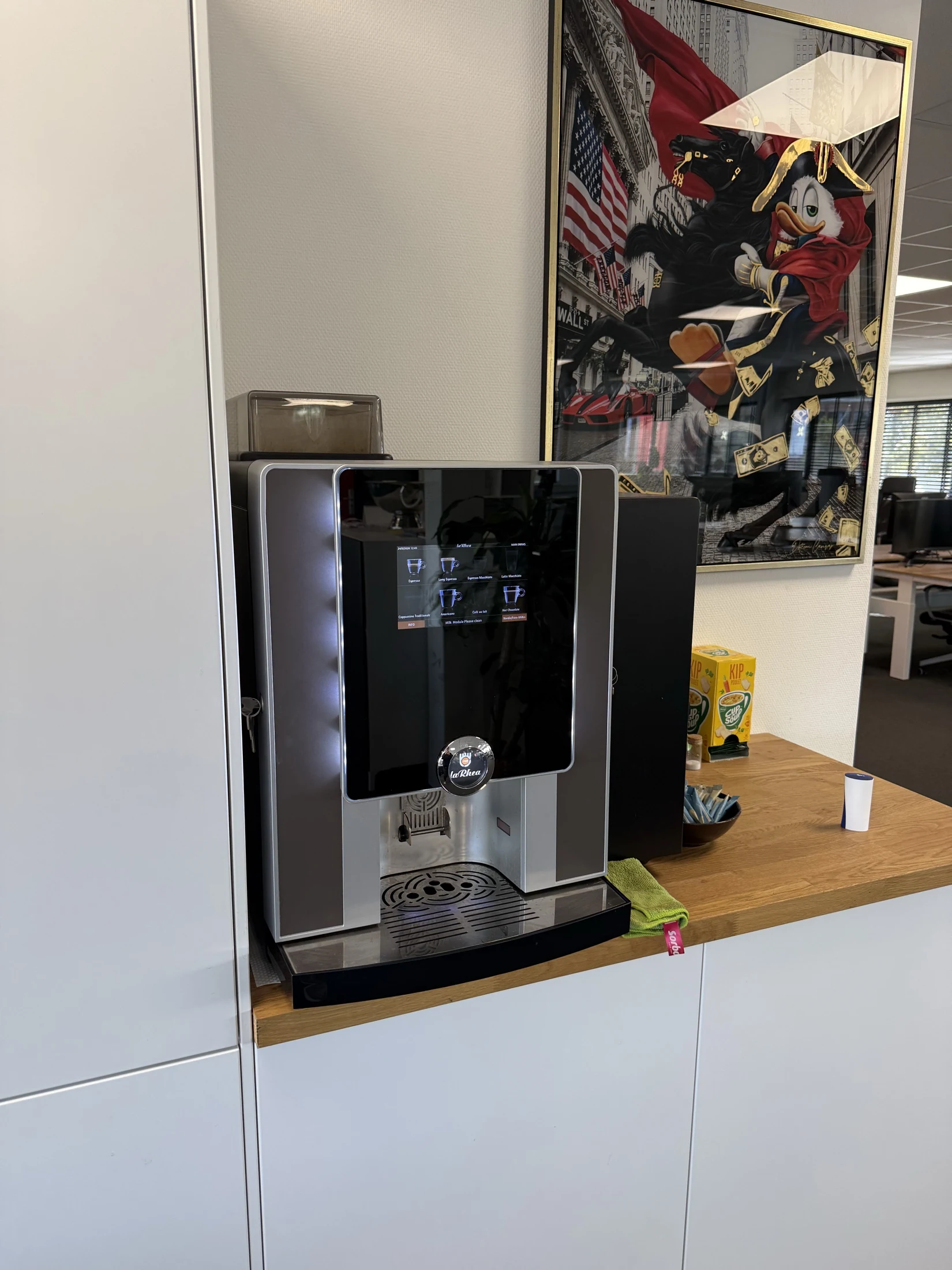
Preserve practical knowledge
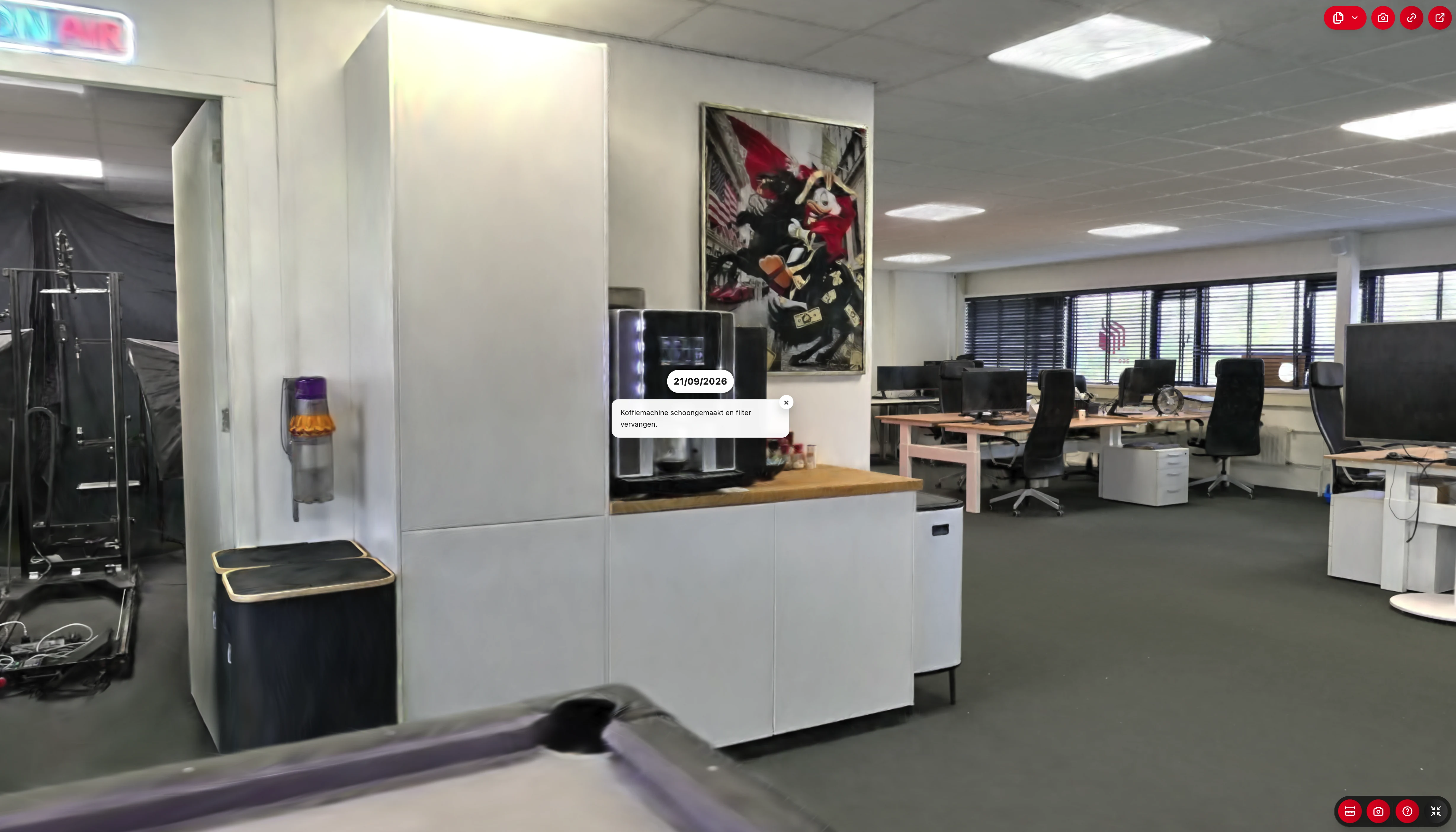
Keep completed work, changes, photos and voice notes at the relevant component. The next technician can see what was done and why. Experienced colleagues’ knowledge stays available without them having to repeat the same explanations.
Capture the component and the work you have completed.
What has been done? What does the next colleague visiting this site need to know?
360Models locates the photo and saves your voice note as a summarised annotation. Available through the mobile browser or app.
AI in 360Models
Let AI identify pipes, count components, measure areas and find technical documentation in your project.
Our AI runs in an enterprise environment on Microsoft Azure. We comply with the GDPR.
Connect recorded findings to your report templates, checks or work order software. We tailor the automation to your workflow.
We handle the on-site capture and processing. Use the result in 360Models or through an integration with your existing software.
Explore our scanning serviceYour employee walks through the space with the scanner and uploads the capture. We help with suitable equipment and training, process the scan and make it available in 360Models or your own software.
01 / Visual
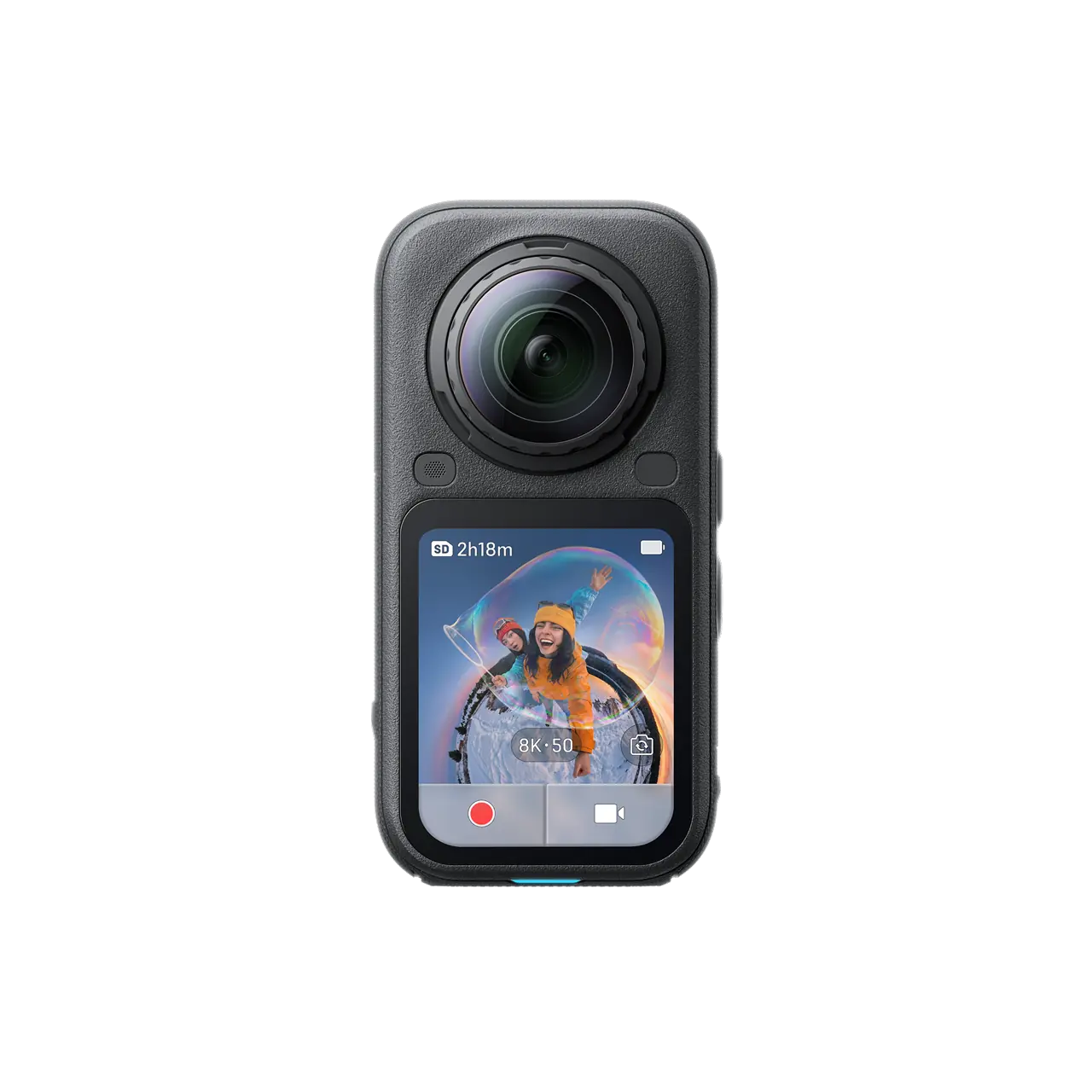
Accessible visual capture for discussions, progress records and comments at a location.
For project teams and everyday documentation.
02 / Measure
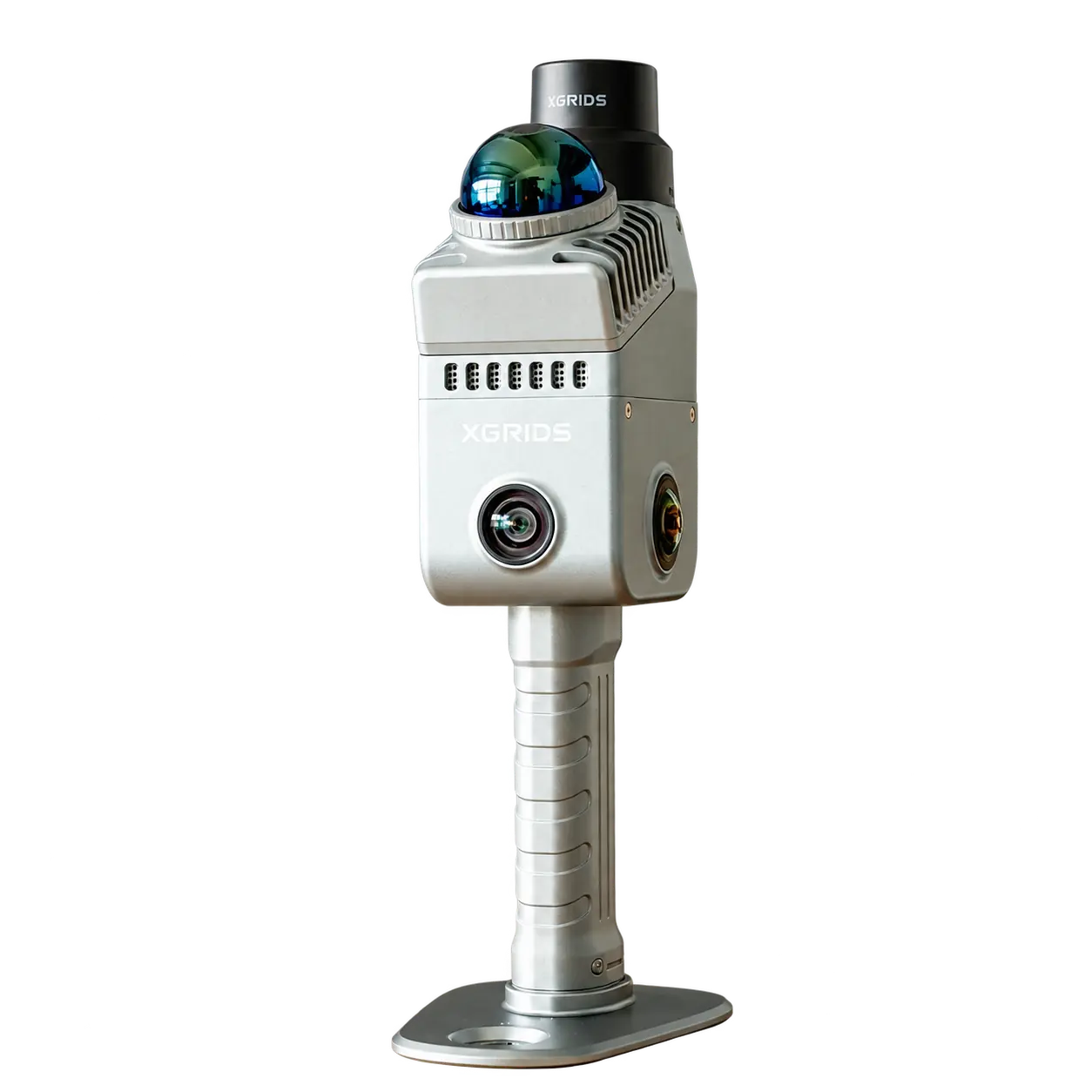
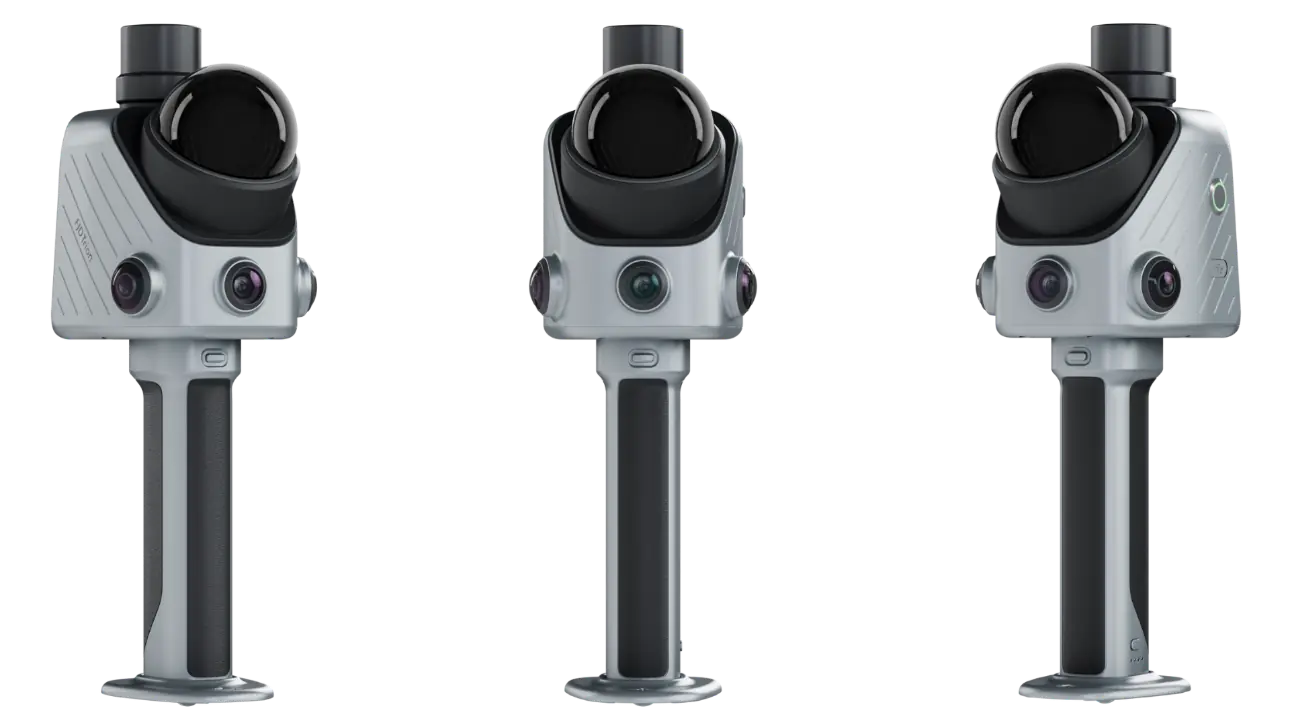
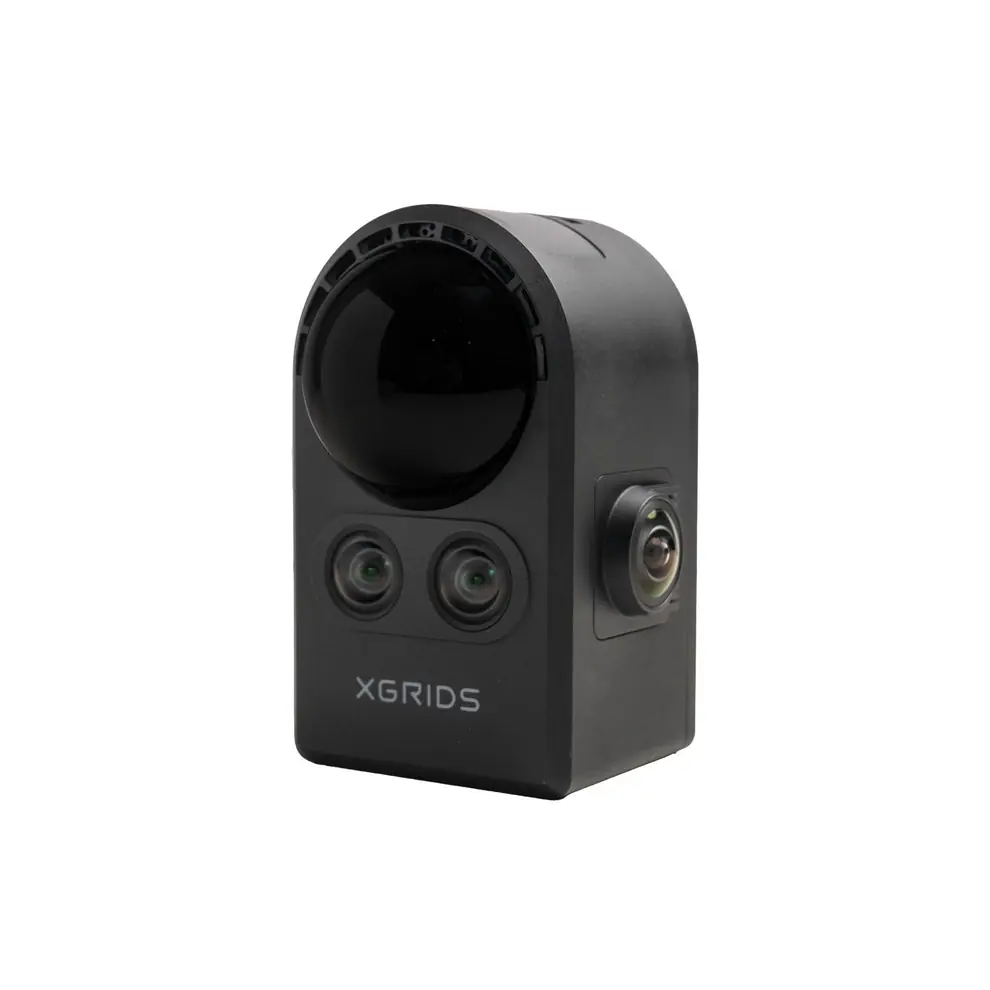
Mobile scanning with visual quality and measurable scan data for work preparation and technical applications.
For installers, renovation and maintenance.
03 / Precision
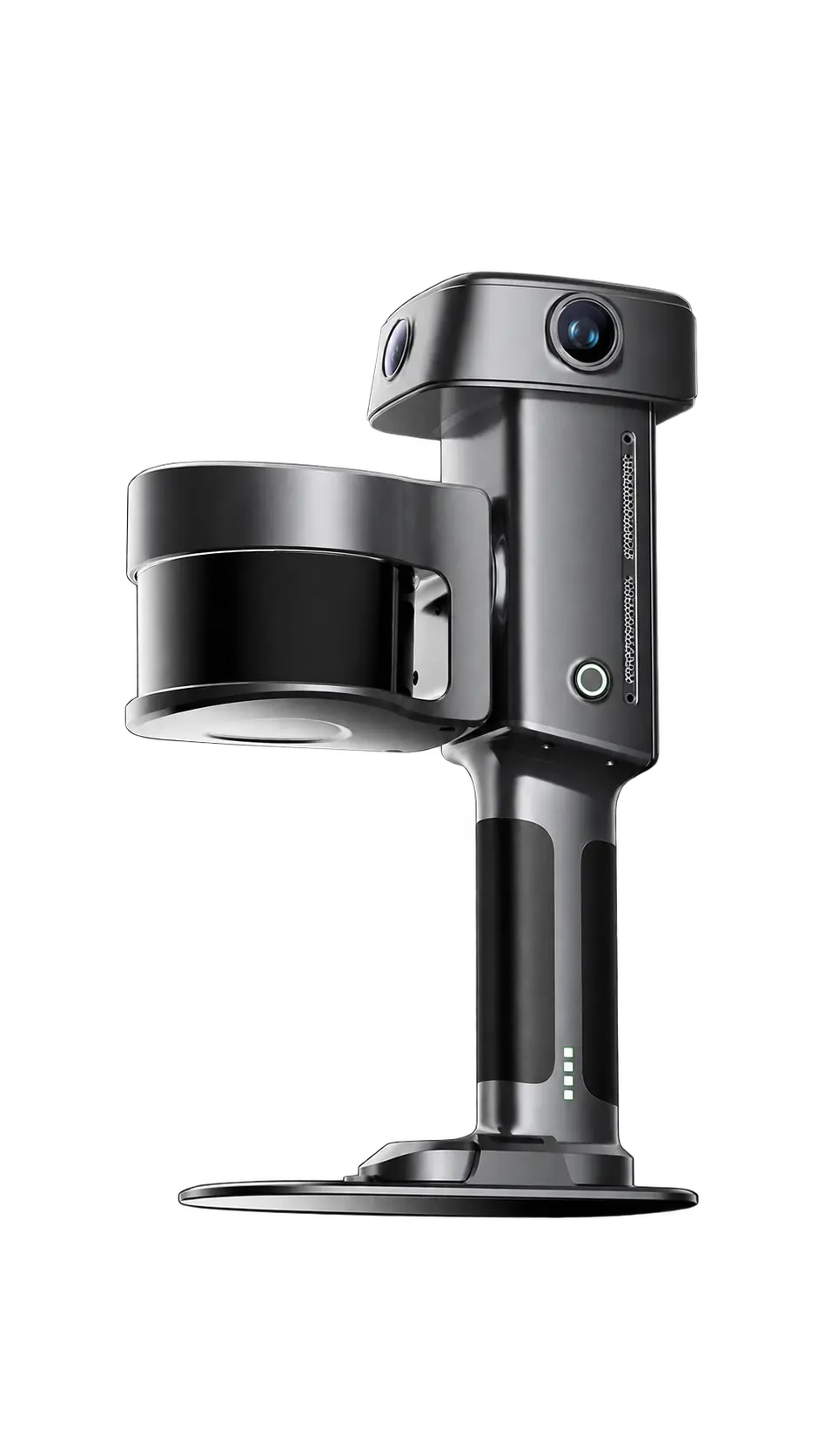
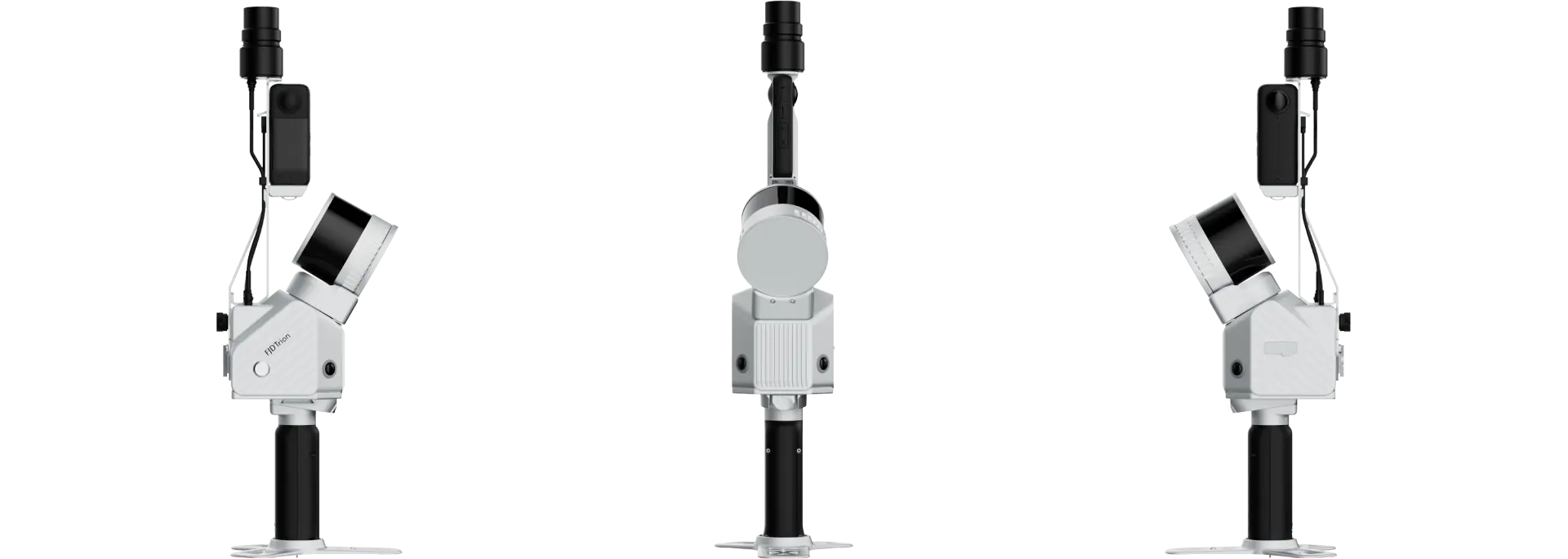
Mobile scanning for applications with higher accuracy requirements and further technical development.
For more complex sites and engineering.
You receive all source files. We can also use the captured measurements to produce CAD, BIM and technical drawings.
API-first platform
360Models is built API-first. We integrate the 3D viewer, scans and annotations into your work order, ERP or maintenance software.
Let technicians view the installation and review previous work directly from the work order.
Link scans, manuals and annotations to the right asset or location in your management system.
Keep scans, drawings and service history together at the installation. Start each new work order with the information from previous visits.
Good to know
Technical rooms, non-residential buildings, pumping installations and industrial sites where several people work or where you return regularly.
No. We can handle the captures. If you prefer to scan yourselves, we help with equipment, training and processing.
Accuracy depends on the scanner, capture and processing. We select equipment based on the manufacturer’s specifications and the required accuracy. For critical connection dimensions and prefabrication, we agree additional verification measurements.
Yes. Through our API, we can link the 3D environment to projects, locations and assets in your work order or maintenance software.
Add a new scan to the project after a change. Between captures, you can record photos, explanations and work against the relevant components.
You receive all source files from our captures. We process scans in the cloud or, by agreement, on your premises.
Let’s talk
What challenges does your team face? We will look at how a scan could help and what you need to get started.
Prefer to speak directly?+31 (0)10 307 6142
Leave your details and we will contact you to arrange a time.