The viewer in your project
The viewer makes the 3D environment accessible to your team. In the 360Models platform, files, annotations and successive captures stay together in the same project. Open the relevant scan to recognise components, check dimensions and discuss a detail with colleagues. We process or convert source files where needed before online publication.
Also for products and objects
View a product from every angle.
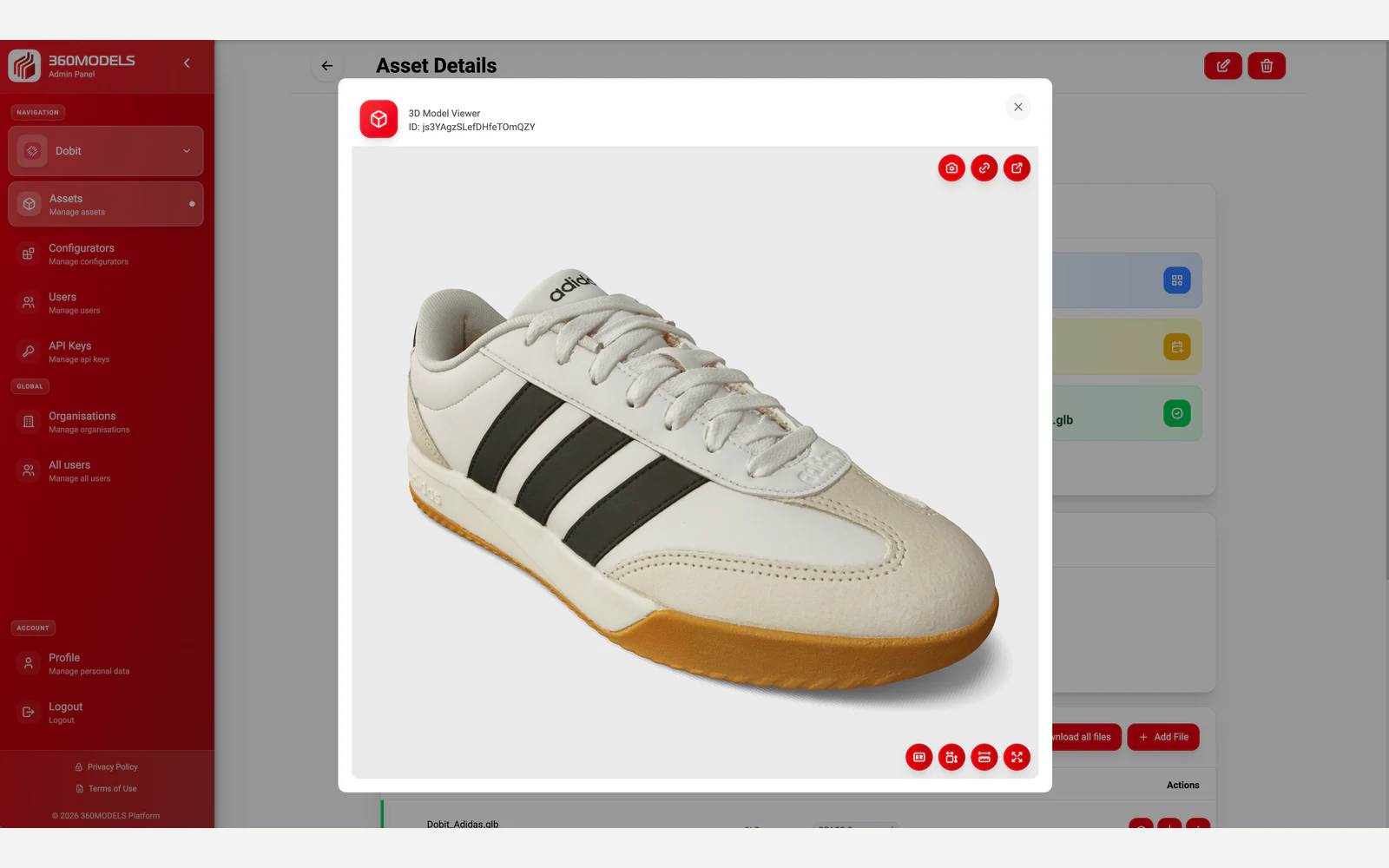
Use the viewer to present individual 3D models as well as complete scanned environments. Explore this shoe model, rotate it and zoom in on the details.
Capabilities
How 360Models puts 3D to work
3D asset management
Manage files, models, scans, metadata, revisions and publication status centrally.
Inspection context
Give teams visual context for preparation, inspection, documentation and decisions.
Browser-based viewers
Give colleagues, customers or partners access to 3D context without heavy software.
Measurements and annotations
Connect notes, labels, documents and data to the right place in the 3D environment.
Approach
From source data to daily use
Collect or create 3D data
Start with scans, models, point clouds, CAD, technical drawings or new 3D production.
Structure the assets
Organize assets by organization, category, status, metadata, revision and intended channel.
Add workflow context
Connect annotations, measurements, access rules, documents, API data or inspection information.
Publish and maintain
Use the same managed source for viewers, digital twins, WebAR and integrations.
FAQ
Frequently asked questions
View and share photorealistic scans, point clouds and 3D models in your browser. Measure, annotate and collaborate with 360Models.
This is useful when teams need to inspect or prepare a physical location without always visiting it. It also helps when scans, point clouds, models and documents need to become usable for non-technical stakeholders.
A typical workflow covers collect or create 3d data, structure the assets, add workflow context, publish and maintain. The exact scope depends on the source data, users and required output.
No. You can use the existing viewer to share scans and models. For specific requirements, we can adapt the interface to your brand or integrate the viewer into your own software.
Yes. Assets can be structured by organization, category, team, status and use case, so the right people can access the right viewers, files or configurators.
Yes. 360Models can publish viewers and configurators through embeds, API integrations and custom frontends.
3D workflows can support OBJ, FBX, GLB, SKP, STP, STL, PLY, LCC, SOG, MAX, DWG, DXF, IFC and SAT, point clouds such as LAS, E57, PTS and PTX, plus JPEG, JPG, PNG, WebP, TIF and PDF.
No. It can be used for products, infrastructure, manufacturing, cultural heritage, real estate, facility management and software platforms.
Yes. The management layer stays in 360Models while viewers, configurators and integrations can be styled for each website, portal, shop or customer environment.
Where could 3D help your team today?
Start with the problem you want to solve. Data and business logic can remain in existing software; 360Models adds only the capture, management and visual 3D application you need.