Integration
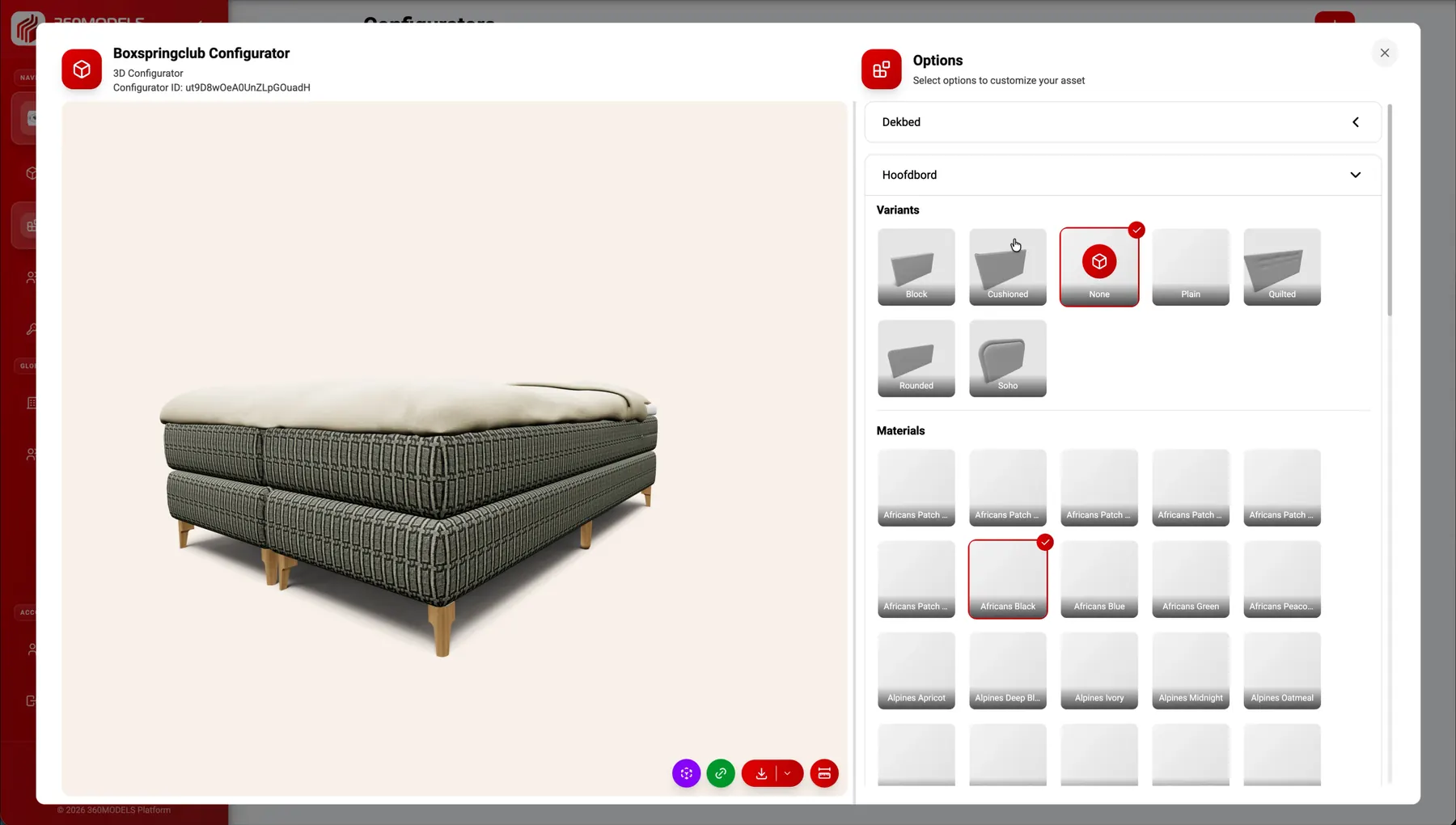
WooCommerce 3D viewer and product configurator integration
Add an interactive 3D viewer, WebAR experience or product configurator to WordPress and WooCommerce without storing all models and rules inside the webshop.
Short answer
The WooCommerce integration places a 3D viewer, WebAR experience or product configurator on a WordPress product page. Models, materials and options are maintained once in 360Models, and the webshop then displays the current version.
Capabilities
How 360Models puts 3D to work
Product viewer embed
Place a 3D product viewer on a WooCommerce product page or landing page.
Visual configuration
Show variants, materials and options visually rather than through text alone.
Embedding in WordPress templates and themes
Use embeds within custom templates, page builders or bespoke themes, depending on the site's technical setup.
Central 3D management
Manage assets, materials, options and updates in 360Models.
Approach
From source data to daily use
Select products
Identify which WooCommerce products would benefit from 3D viewing or configuration.
Set up 360Models
Prepare models, materials, options and publication settings.
Add the embed
Integrate the viewer or configurator into the WordPress template, product page or page builder.
Manage changes
Update the 3D experience in 360Models to keep the webshop current.
FAQ
Frequently asked questions
Add managed 3D viewers, product configurators and WebAR to WooCommerce product pages. Show variants in 3D without storing 3D files in WordPress.
This is useful when customers need to understand material, color, scale or module choices before they buy. It also helps when sales teams need a clearer way to explain complex product options.
A typical workflow covers select products, set up 360models, add the embed, manage changes. The exact scope depends on the source data, users and required output.
Yes. A 3D viewer or configurator can be added to WooCommerce through an embed or custom integration.
That depends on the technical setup. The integration can be adapted for templates or custom page builders.
Yes. Materials, colours, product versions and other options can be shown in 3D. WooCommerce variant choices can be linked to material, colour or model changes in the 3D experience.
Yes. The viewer or configurator can be added to an existing WooCommerce product page without managing the 3D source files in WordPress.
Yes. On compatible mobile devices, customers can place a product in their own space from the product page without a separate app.
Where could 3D help your team today?
Start with the problem you want to solve. Data and business logic can remain in existing software; 360Models adds only the capture, management and visual 3D application you need.