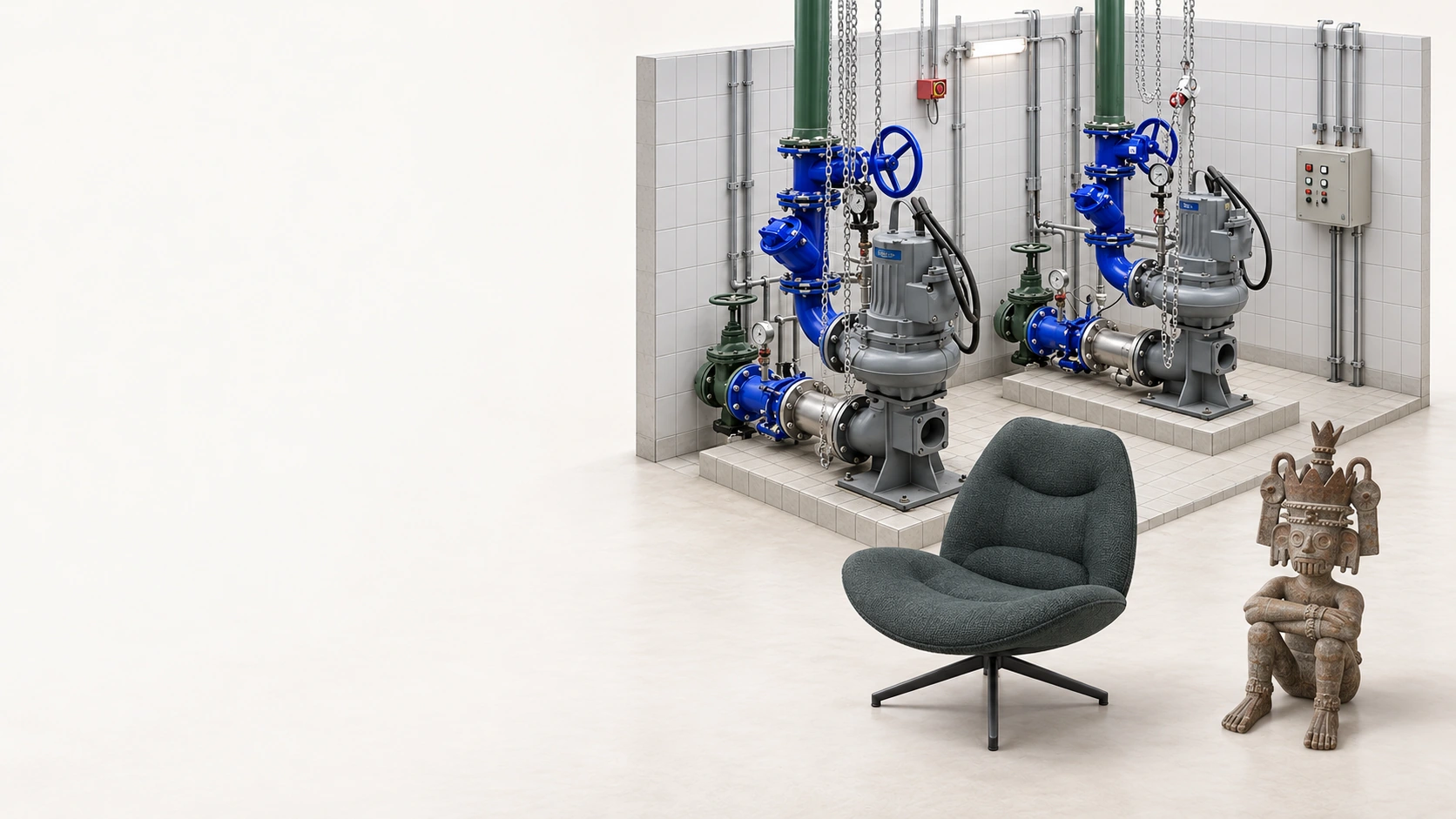
3D asset management and photorealistic scanning
Put 3D to work across management, sales and operations.
360Models is the 3D asset management platform for objects, products and environments. Use our photorealistic scanning service or bring your existing 3D models. Manage everything centrally and put it to work in viewers, digital twins, product configurators and your own software.
Trusted by teams working with products, locations and visual workflows












Start with the outcome
What should 3D solve for your organization?
Capture a location or object quickly and measurably.
Choose the result you need: a scan, measurable point cloud, photorealistic Gaussian Splat, CAD or BIM model, or technical drawing.
Assets and placesInspect and understand physical objects remotely.
View, measure and annotate one shared 3D situation with documents and object information in the right place.
Online salesMake complex product choices visually understandable.
Show materials, sizes, modules and finishes immediately. Existing product and pricing rules can remain connected or be managed in 360Models.
Software and integrationsAdd managed 3D context to existing software.
Connect through an API or place managed viewers directly in existing pages. Match the interface to your brand without building the 3D management and publishing technology yourself.
Five capabilities
One foundation, five ways to put 3D to work.
Start with one practical use case and expand later. Files, descriptive information, access rights and publications stay connected.
3D capture and engineering
Capture objects and places and deliver the right combination of scan, point cloud, mesh, CAD, BIM or drawing.
3D object management
Organize models and scans by organization, team and category. Manage versions, descriptive information, access and publications centrally.
Digital twins for insight and operations
Turn a 3D environment into a digital twin by showing inspections, documents and realtime information in the right place. This makes situations and decisions easier to understand.
Product configuration and commerce
Visualize materials, variants and modules for sales, dealers and webshops, with existing configuration and pricing rules where needed.
API, embeds and integrations
Publish 3D in websites, portals and software while source data and business logic can remain in existing systems.
For teams
The same 3D foundation, a different working day.
Every role starts with a different question. We show each team the outcome and workflow, not just the technology behind it.
Asset managers and inspectors
View assets remotely, connect documentation and record inspection points in spatial context.
Engineers and 3D teams
Manage source files, revisions and outputs and make technical 3D information accessible to the wider organization.
Sales and commerce teams
Make product choices visual and publish the same assets to dealers, webshops and customer presentations.
Software teams and integrators
Integrate a managed 3D layer through APIs and embeds with room for your own interface, data and customer logic.
FAQ
Frequently asked questions about the 3D platform.
Short answers about object management, digital twins, product configuration, integrations and supported files.
360Models is a 3D platform for management, visualization and configuration by 360Fabriek.
No. It can be used for digital twins, 3D object management, product configurators, WebAR, browser-based viewers and API integrations.
No. Product data, pricing logic, asset status or documentation can remain in PIM, CPQ, ERP, GIS or asset management software. 360Models adds the managed visual 3D layer and connects it through APIs and embeds.
Yes. It supports configurable objects with sizes, colors, materials, modules, components, finishes and technical variants.
Yes. It supports embedded viewers, configurators and API-driven integrations for websites, portals and commerce platforms.
360Models supports common 3D files such as OBJ, FBX, GLB, SKP, STP, STL, PLY, LCC, SOG, MAX, DWG, DXF, IFC and SAT. Supported point cloud formats include LAS, E57, PTS and PTX. You can also add images and documents such as JPEG, JPG, PNG, WebP, TIF and PDF.
Yes. Assets can be structured by organization, category, team and publication status so the right people get access to viewers, configurators and files without repeatedly requesting loose files.
Technical conversation