Platform / Manage and share
Manage and share.
Your 3D scans and models in one place. Invite your team, decide who can view, edit and download, and share a viewer with customers or partners.
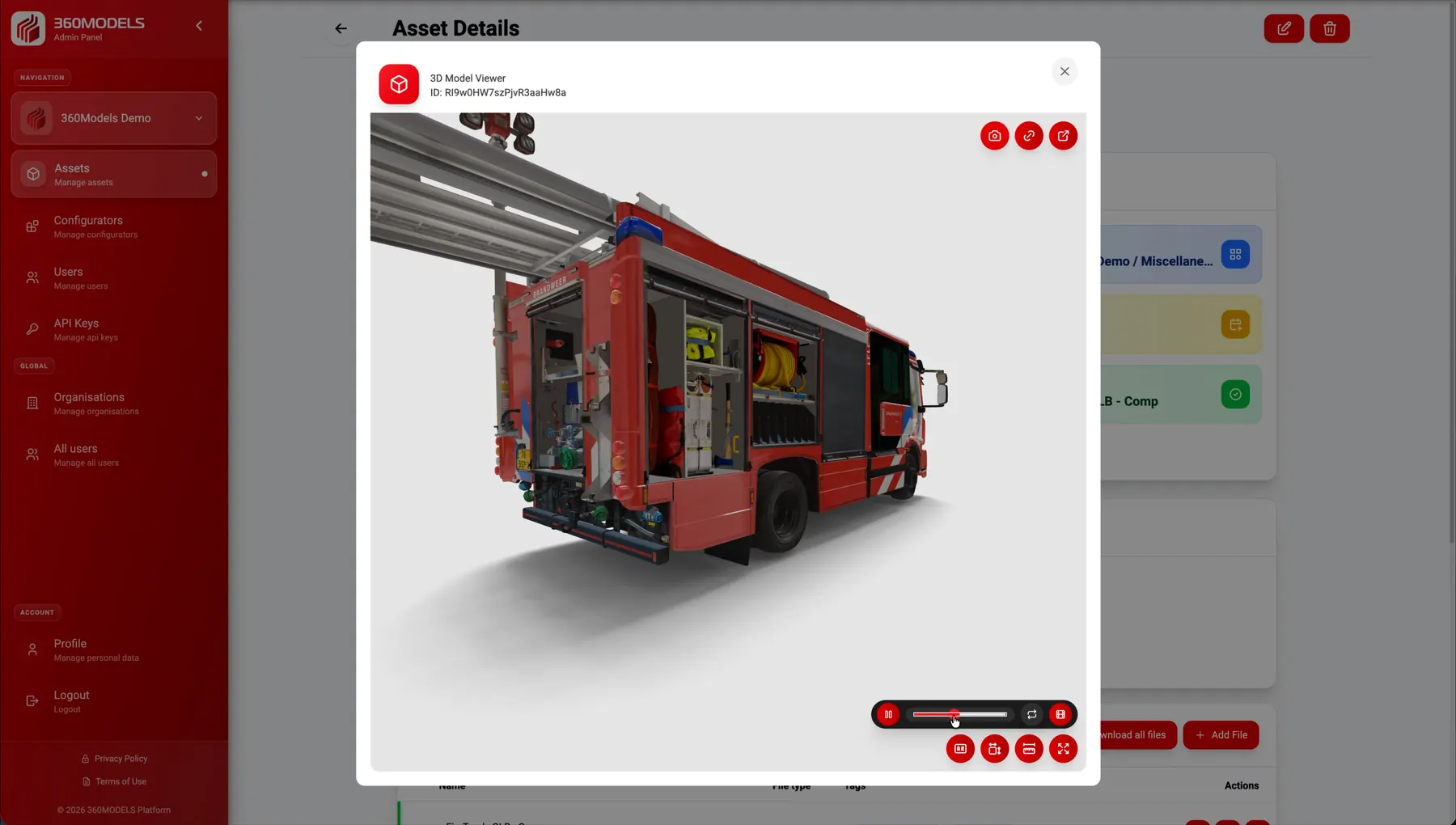
The right access for each person.
A planner reviews a scan, an administrator updates files and a customer opens the result in a viewer. With 360Models, you can tailor access to what each person needs. Keep files centrally managed and choose how to make them available.
A shared view, wherever you work
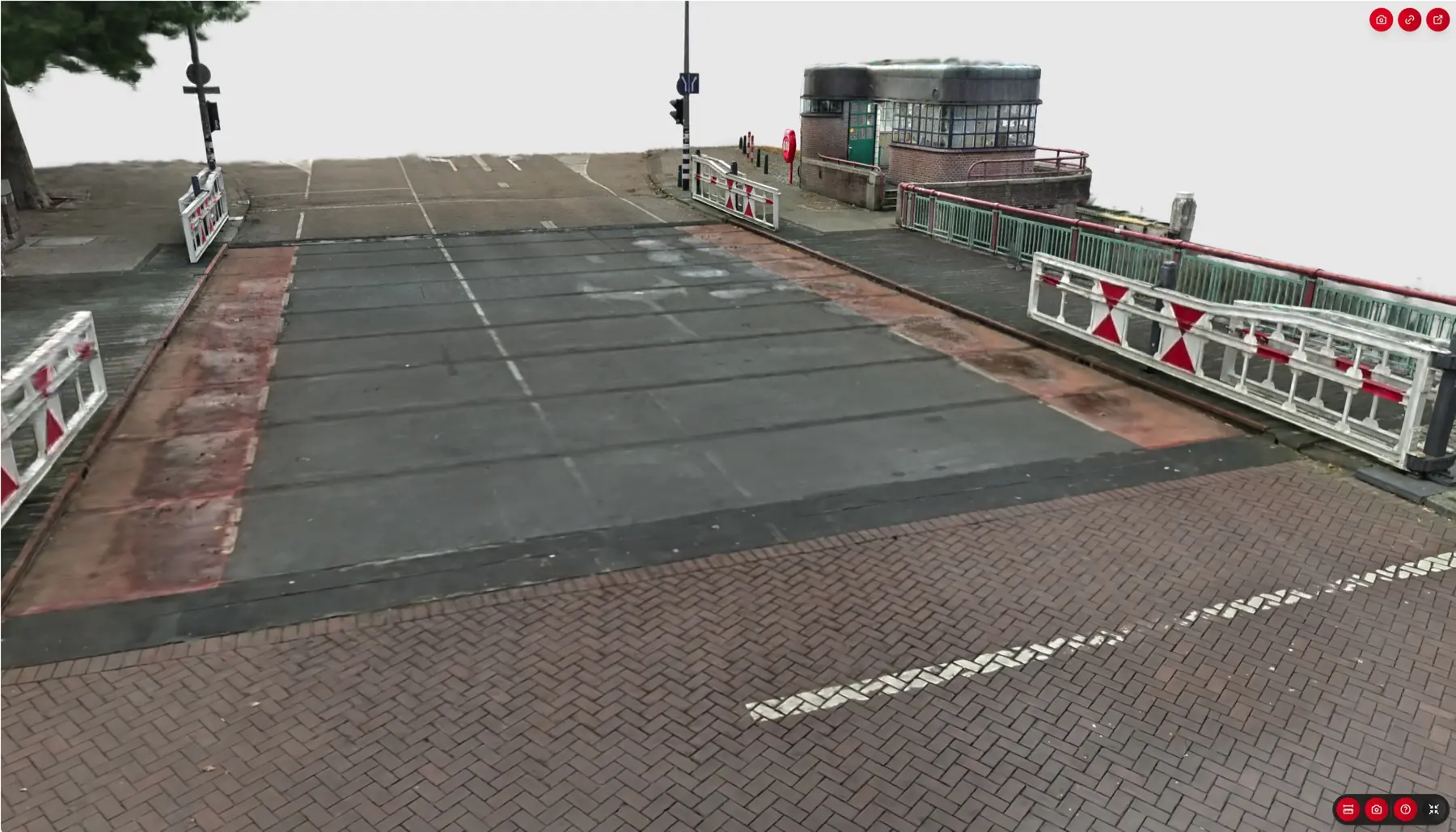
Share the environment. Show what you mean.
Discuss an installation, inspection or design using the same photorealistic 3D scan. A viewer link opens the environment directly in the browser, ready for a handover, meeting or preparation for a site visit.
Capabilities
How 360Models puts 3D to work
A central library
Organize scans, models, documents and revisions by organization and category. Keep files and information with the asset they belong to.
Permissions by role and user
Invite colleagues or partners to your organization. Set permissions for a role and make exceptions for individual users where needed.
Access by asset and file
Refine permissions for categories, assets, files and configurators. Match access to the information each person works with.
View, edit and download
Manage these permissions separately in the management interface. For example, one colleague can view a file while another can also update or download it.
Share through a link
Copy a link to a 3D viewer or a selected product configuration and include it in an email, work order or project record. The recipient opens the view in their browser.
In your own website or software
Embed a viewer in a website or portal. Through our API, we connect the 3D environment to the right project, asset or work order in your existing software.
Approach
From source data to daily use
Bring your files together
Add scans, models and documentation to the asset library. Choose which file opens in the viewer by default.
Set up access
Invite users and configure their permissions. Decide who can view, edit and download.
Choose how to share
Collaborate in the management interface, share a viewer link or connect the viewer to your website or software. Configure access for external sharing separately.
FAQ
Frequently asked questions
An invited user works within your organization in the management interface, with the permissions you assign. A viewer link opens a specific 3D view. Organization permissions in the management interface do not automatically control access to an external viewer link; we configure that access separately.
Where could 3D help your team today?
Start with the problem you want to solve. Data and business logic can remain in existing software; 360Models adds only the capture, management and visual 3D application you need.