Solution
3D scanning, capture and modeling for practical 3D output
Have a product, monument, machine, room or existing situation captured in 3D. We select the appropriate method, such as laser scanning, photogrammetry, 360-degree capture or Gaussian Splatting, and deliver output your project can use.
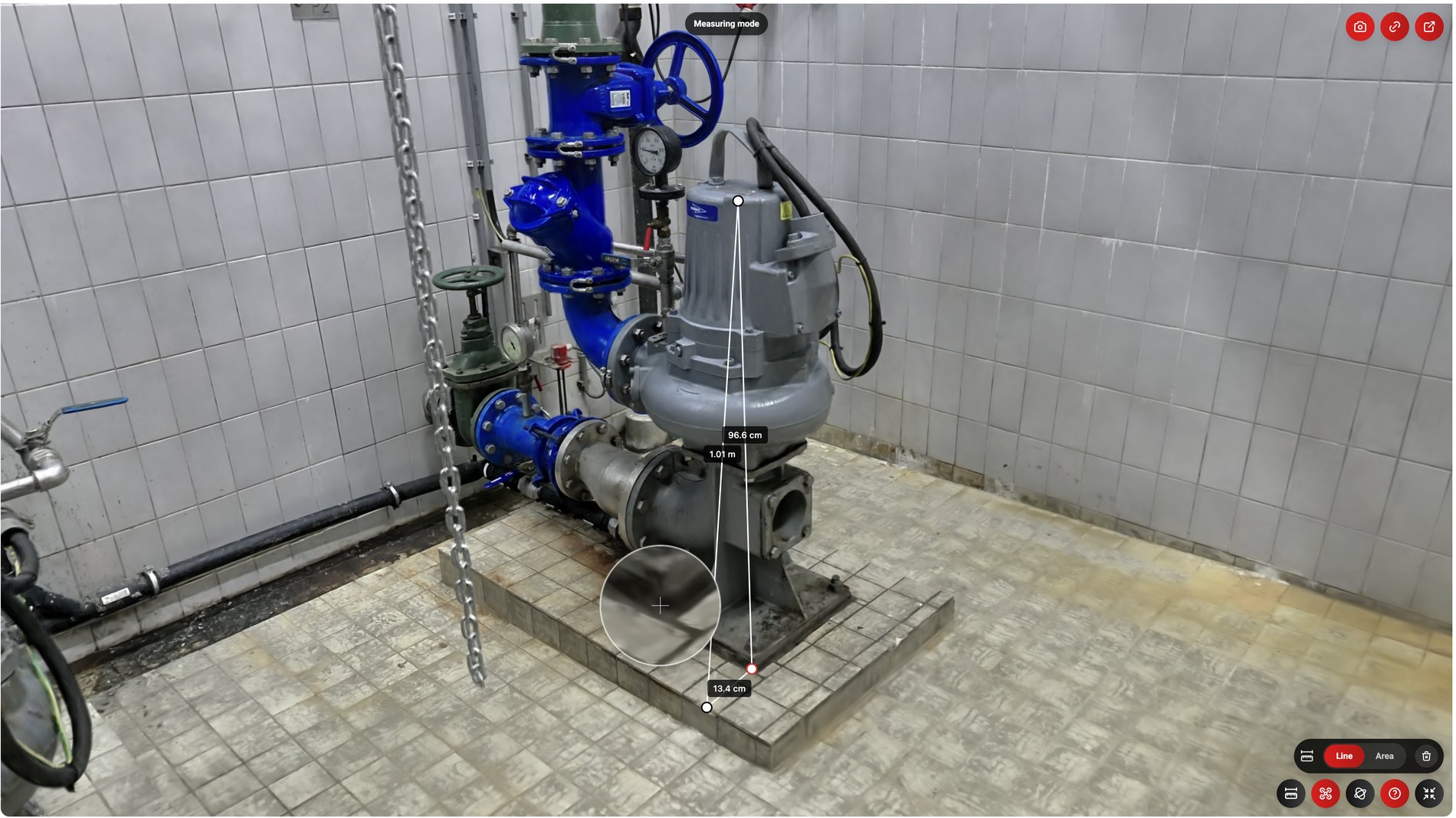 Measuring mode96.6 cm1.01 m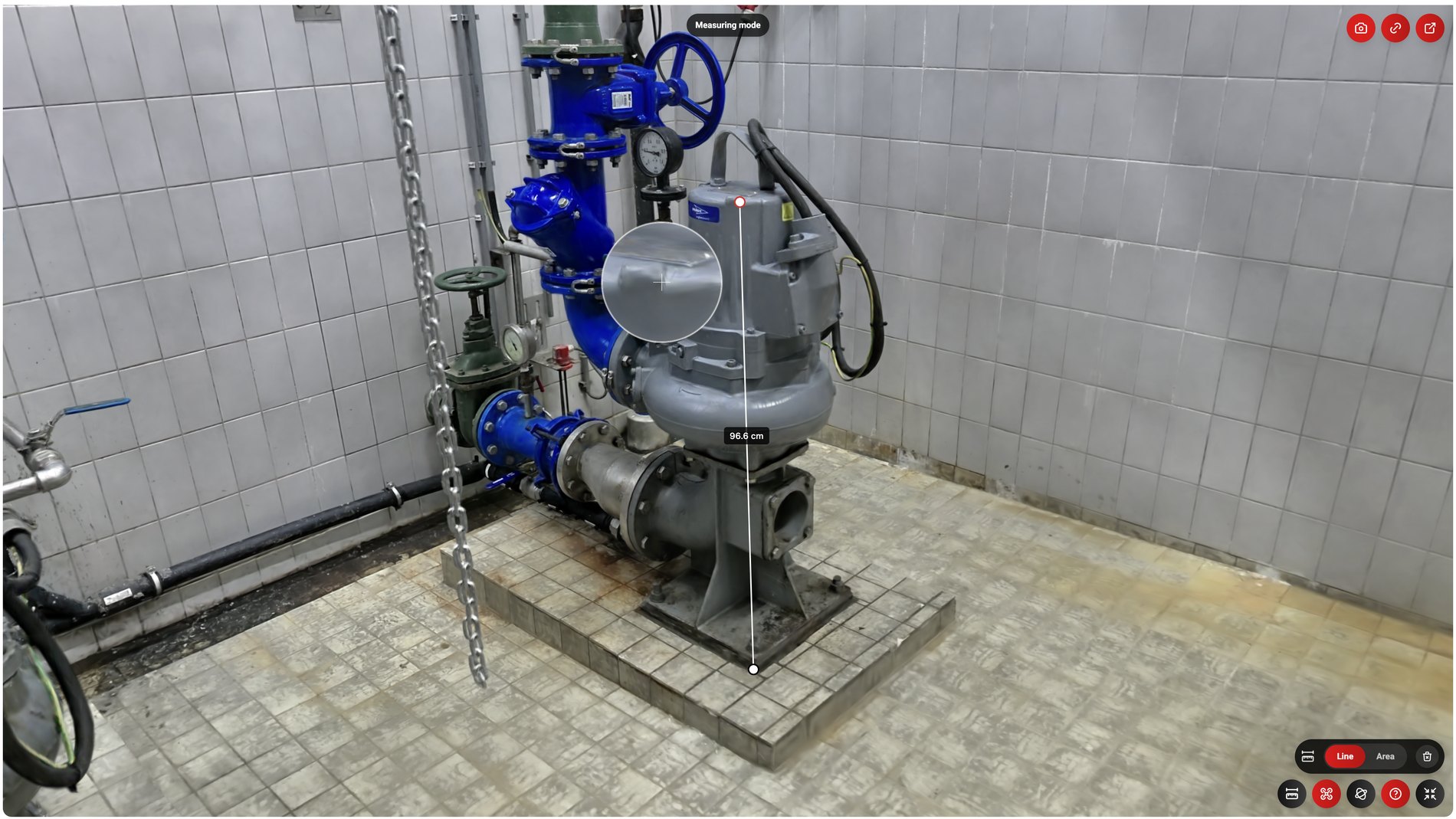
Short answer
A 3D scan records the shape and dimensions of an object or location digitally. We do not automatically use one type of scanner, but combine LiDAR, photography, 360-degree imagery, Gaussian Splatting, existing CAD data or 3D modeling where useful. This avoids unnecessary capture and modeling work.
When relevant
Do you recognize one of these situations?
If teams need to inspect or prepare a physical location without always visiting it.
If scans, point clouds, models and documents need to become usable for non-technical stakeholders.
If asset information, annotations and files need to stay connected to the 3D context.
If organizations need to share visual context without sending loose files manually.
Capabilities
How 360models puts 3D to work
3D asset management
Manage files, models, scans, metadata, revisions and publication status centrally.
Inspection context
Give teams visual context for preparation, inspection, documentation and decisions.
Browser-based viewers
Give colleagues, customers or partners access to 3D context without heavy software.
Measurements and annotations
Connect notes, labels, documents and data to the right place in the 3D environment.
File support
Files for 3D models, point clouds and documentation
360models brings different 3D sources together. For each project, we determine which files are ready to use, which need optimization for online viewing and which should remain available as original source files.
3D files
Point clouds
Images and documentation
Approach
From source data to daily use
Collect or create 3D data
Start with scans, models, point clouds, CAD, technical drawings or new 3D production.
Structure the assets
Organize assets by organization, category, status, metadata, revision and intended channel.
Add workflow context
Connect annotations, measurements, access rules, documents, API data or inspection information.
Publish and maintain
Use the same managed source for viewers, digital twins, WebAR and integrations.
FAQ
Frequently asked questions
Have products, objects, monuments, machines or existing sites captured in 3D using the method and output that fit the project.
Where could 3D help your team today?
Start with the problem you want to solve. Data and business logic can remain in existing software; 360models adds only the capture, management and visual 3D application you need.